


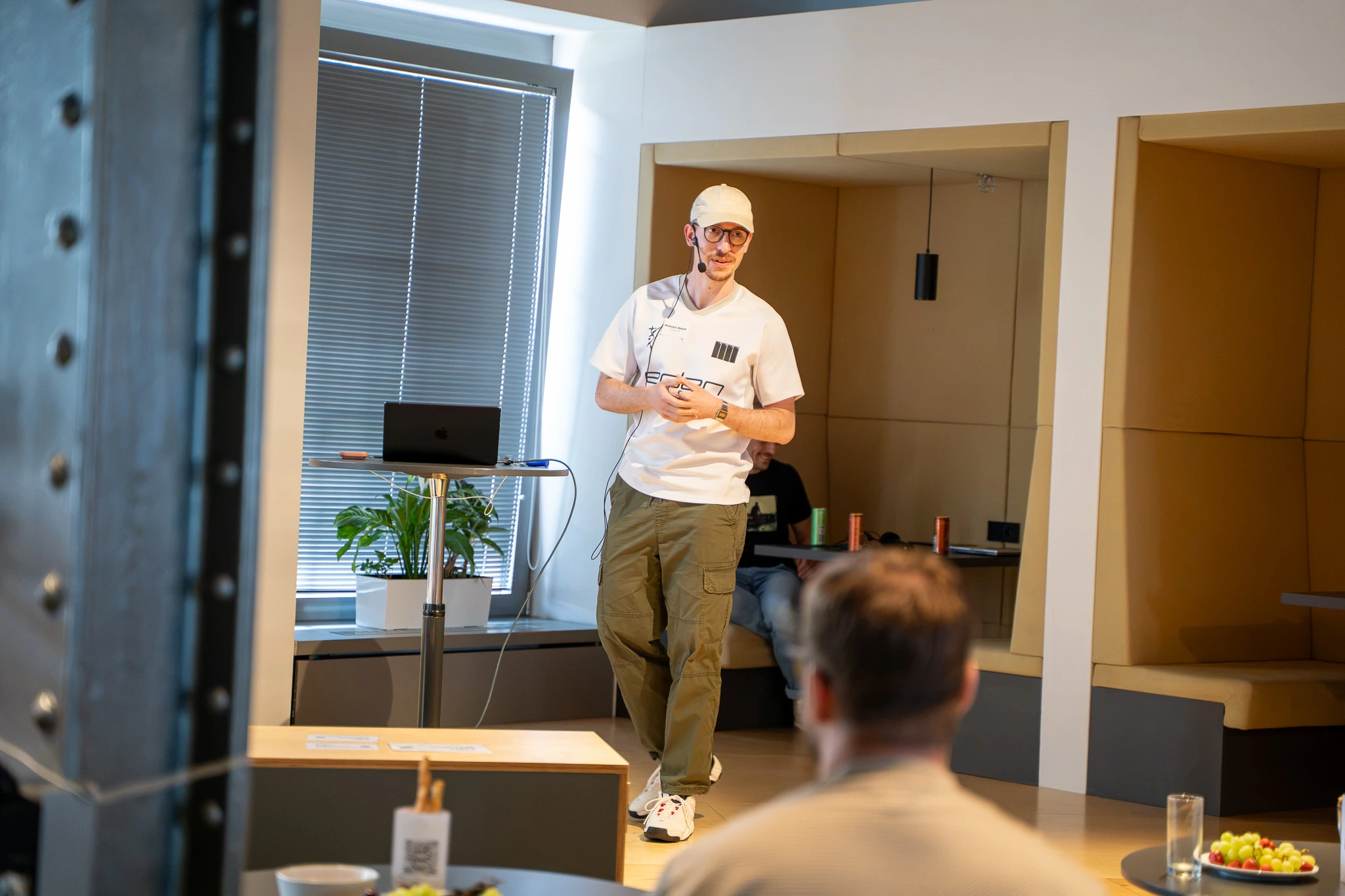

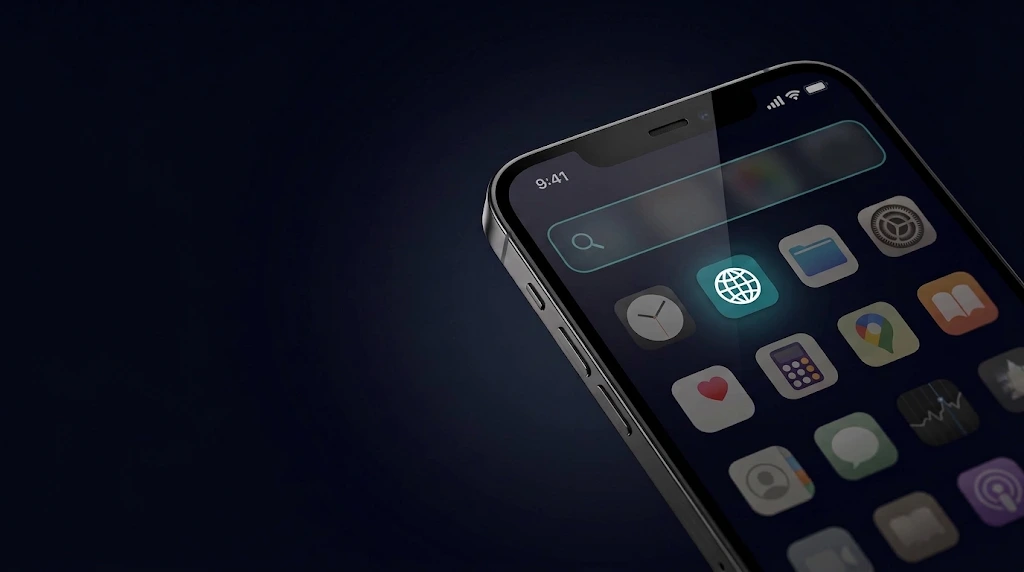
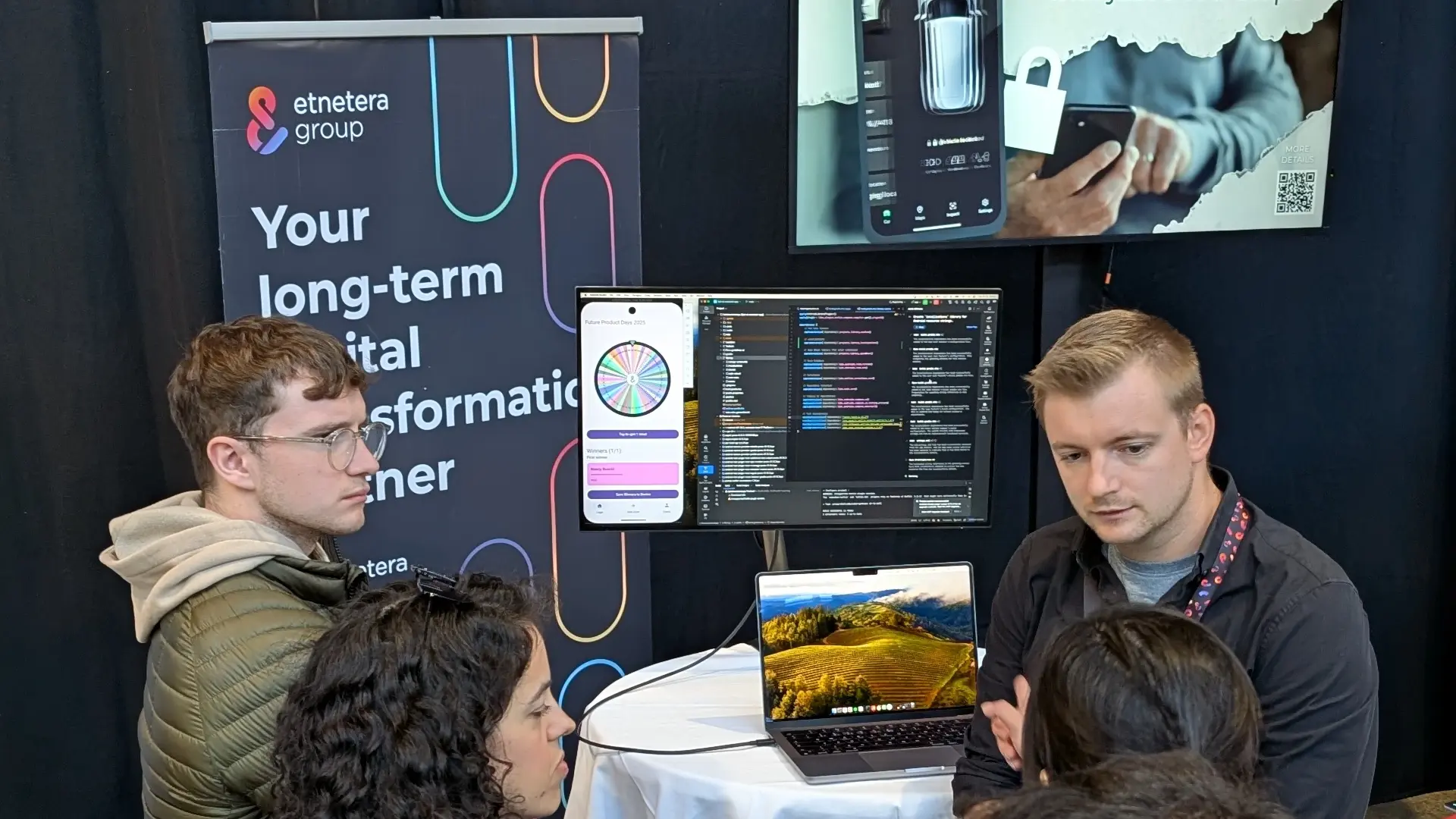
I started with Apple's Foundation Models at a workshop in Amsterdam. Two days, hands-on, 30 people. Then I took what I learned and shipped it into Guest Connect, our own event app, with AI running entirely on the device, no server behind it.
Most of what gets written about on-device AI is about the limits. Small models, tiny context windows, limited language support. I learned more from building with it than from any of that, and most of those limits are already moving.
At this year's WWDC, Apple announced significant updates to the framework. The models are growing from roughly 3 billion parameters to around 20 billion, the context window is expanding, and image input is being added alongside text.
.webp)
None of this has shipped yet, the new iOS is still in beta, but the direction is clear. The hardest constraints I ran into at the workshop are about to loosen.
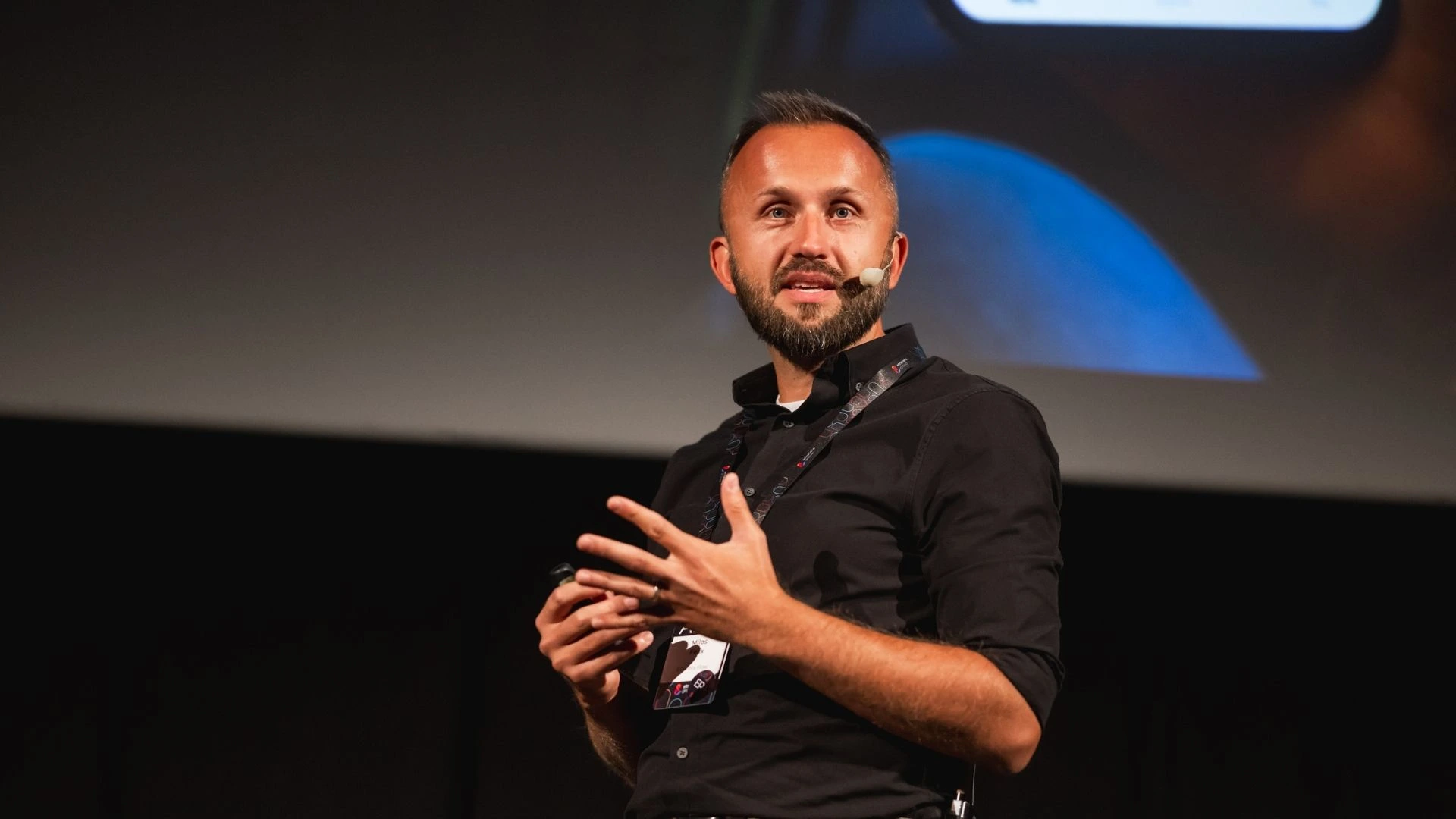
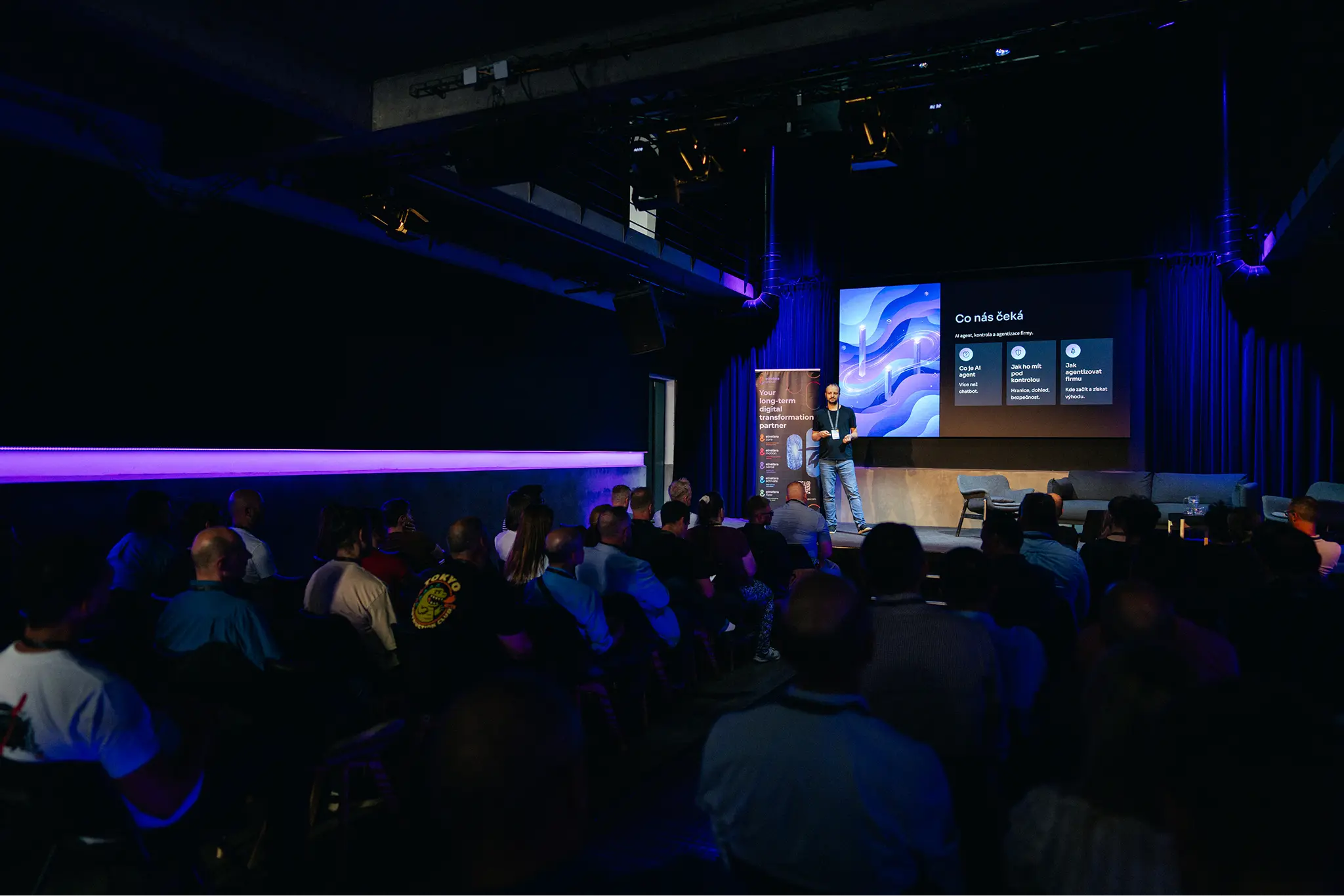
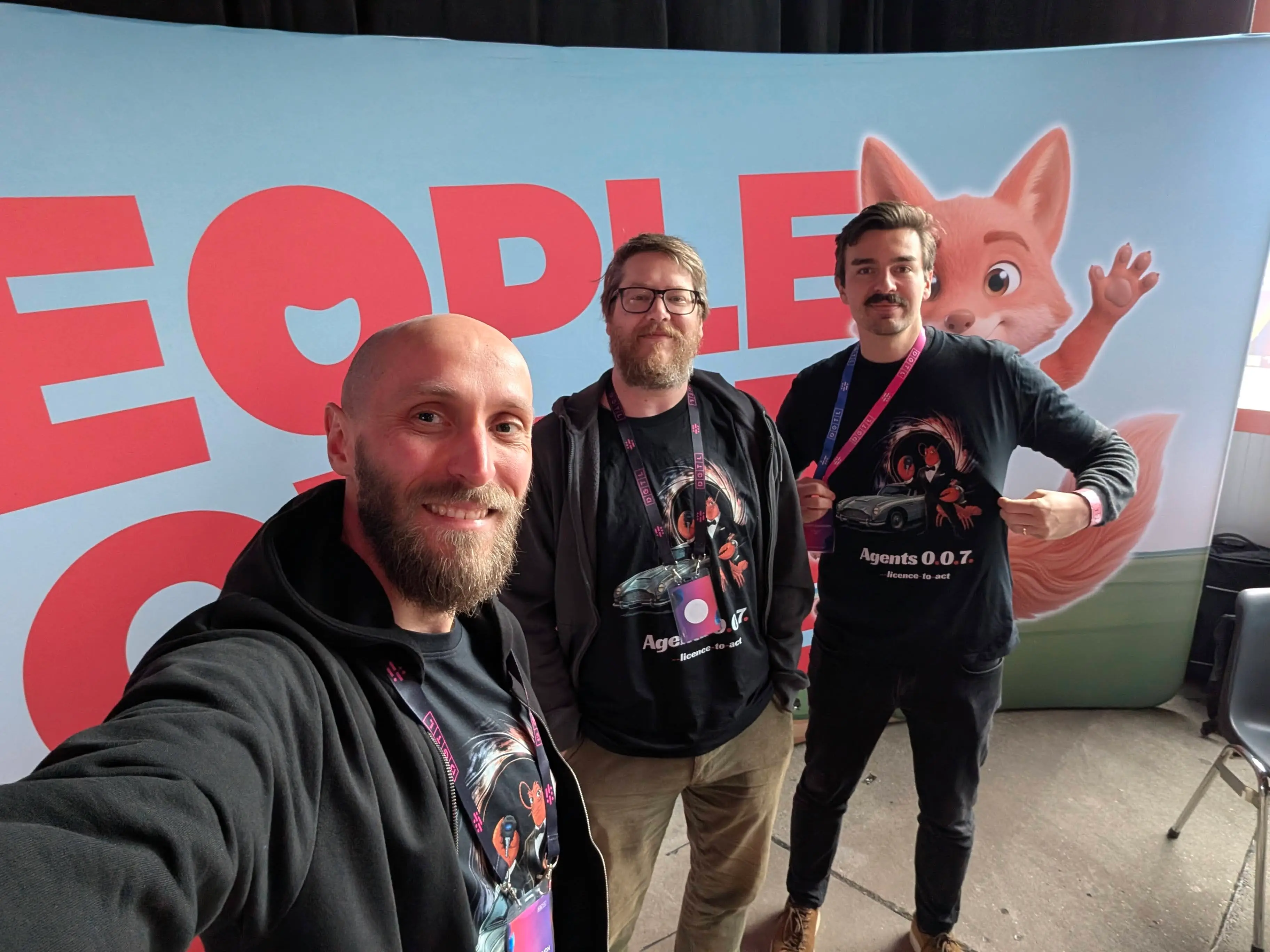
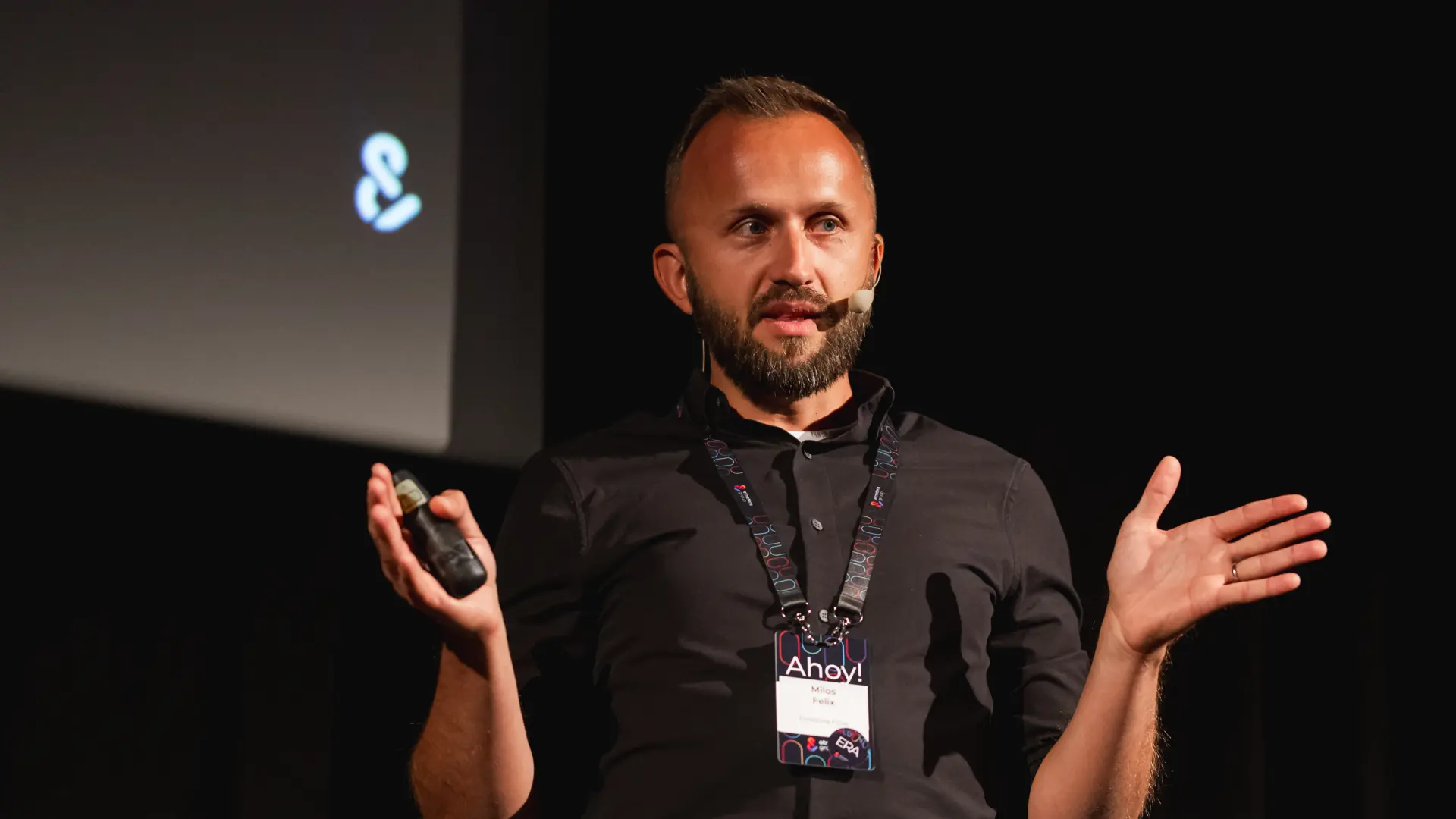
I presented the key lessons at App & Tell, a meetup we organised for mobile developers in Prague in June 2026. I also built it into Guest Connect, our own event app. It is now part of every event we run at Etnetera Group.
Why on-device AI matters
When the model runs locally, there is no network call. No spinner. No waiting for a server. The data never leaves the device, and there are no API keys or rate limits. There is no cost per request either, which for most use cases is the biggest difference.
For the user that translates into one thing: the feature is fast. For the business it opens a different set of doors. Any app handling sensitive data, whether financial, medical, or personal, can add intelligence without sending that data anywhere. Privacy becomes a built-in property.
There are real constraints, covered later in this post. The model runs on the user's own device, whether an iPhone, a Mac, or an Apple Watch. It will never match a cloud model in raw power. What the user feels is speed.
What I proved on our event app
Attendees use Guest Connect to see the agenda, find their way around the venue, get notifications when a talk starts, and reach the right contact people.
I added two features powered entirely by on-device Foundation Models:
- Event summary: No one on our side writes it. The model takes the event data, the timeline, the speakers, the topics, and produces a summary tailored to what is relevant.
- Q&A window: Instead of scrolling through the agenda looking for when a talk starts or how to get to the venue, you ask the app.
Both features work offline and respond within moments. Every interaction runs on the user’s hardware.
What this means in practice: any app where the content is already local can use the same approach. Summarisation, classification, smart replies, search, text extraction, sentiment analysis, tone adjustment, data redaction, the list of what on-device models handle well is longer than most developers expect.

Where the future potential of on-device AI sits
What I built applies much more broadly. On-device AI fits wherever the task is bounded and the user benefits from speed, privacy or lower cost.
Summarisation: Meeting notes, support tickets, product descriptions, reports. Anything where you have a block of text and need a shorter version.
Classification and personalisation: The model can check a product against what it knows about the user and flag relevance instantly. A practical example: dietary restrictions in a shopping app. The app knows the user cannot have gluten, the product data is local, and the check happens with no delay.
Smart replies and auto-complete: Context-aware suggestions based on what the user is typing right now.
On-device search: Understanding what the user is looking for across indexed content, beyond simple keyword matching. Useful in any app with a catalogue, a knowledge base, or a content library.
Accessibility: Generating descriptions, adapting content, making interfaces more usable, all locally and instantly.
Where it falls short
The model is limited by design. A few billion active parameters against the hundreds of billions a frontier cloud model uses. For complex reasoning, long documents, or open-ended conversations, you still need the cloud.
The context window, while larger than it was, is still tight. Feed it a full hour-long meeting transcript and it overflows. I built a workaround that splits long input across multiple sessions and stitches the summaries together, but past a certain point the quality drops.
There is a practical limit, and knowing where it is matters more than pretending it does not exist. When the task outgrows the local model, you fall back to a cloud API through the same code path.
Czech is not supported. For Central European apps that is a hard stop unless you go server-side.
And there is a real set of fallbacks to handle before any of this ships. The model only runs on devices that support Apple Intelligence. For iOS meaning iPhone 15 onward. Also, the user has to have the model downloaded. Each of these is a distinct state your app needs to handle gracefully.
Where are the Foundation Models heading
Apple is treating Foundation Models as a platform. The framework now supports connecting to cloud models like Gemini and OpenAI through the same Swift API, which means you can write the on-device version first and fall back to a cloud model through the same code path when the task outgrows the local model. A command-line interface for testing prompts and instructions outside the app was another significant addition.
For anyone deciding whether to invest in on-device AI now, the trajectory matters as much as the current capability. What works today will work better or differently in six months, and the constraints that block certain use cases now may not block them for long.
.webp)
.webp)
.webp)

.webp)
.webp)

.webp)
.webp)


.jpg)
.jpg)
.png)
.avif)

.avif)


